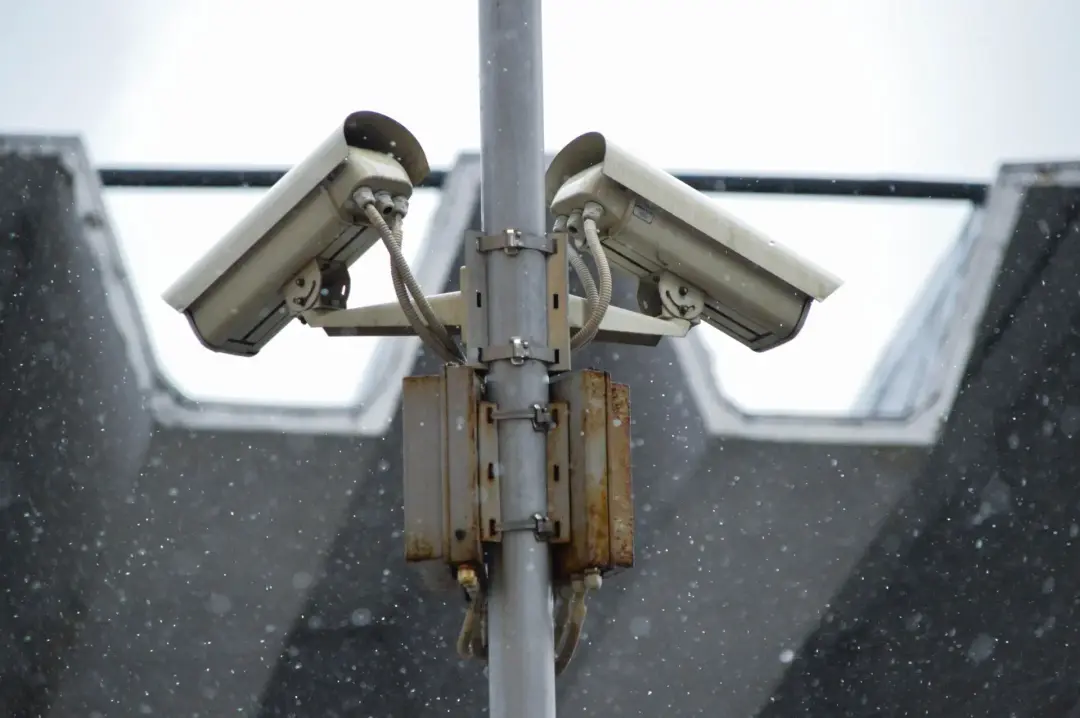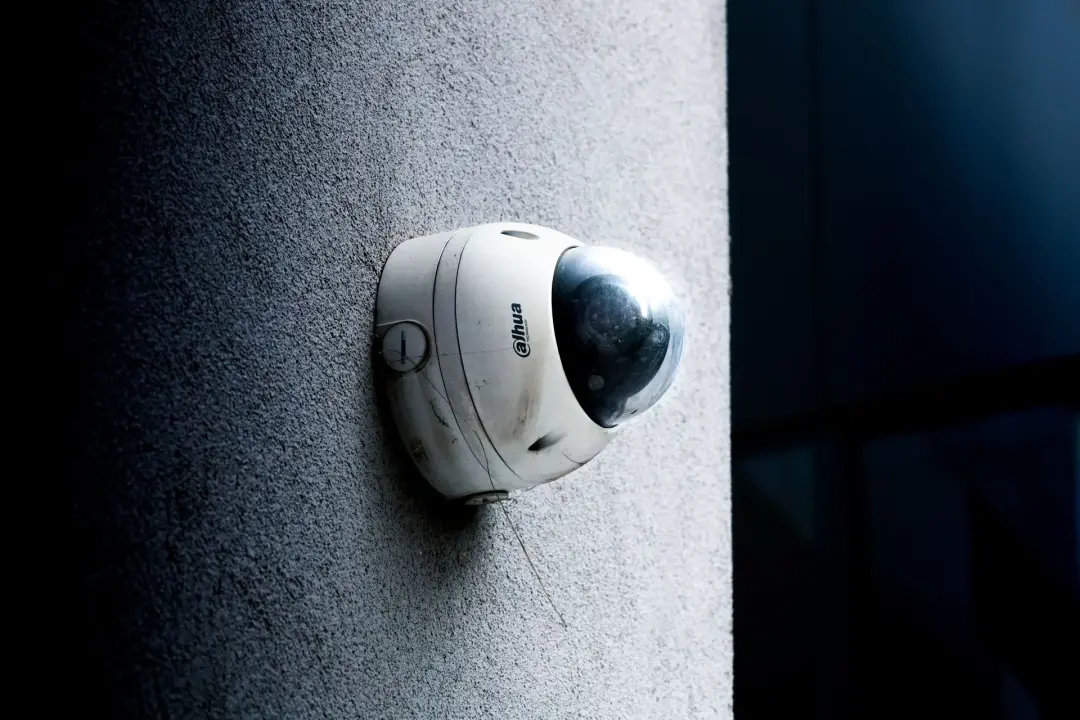
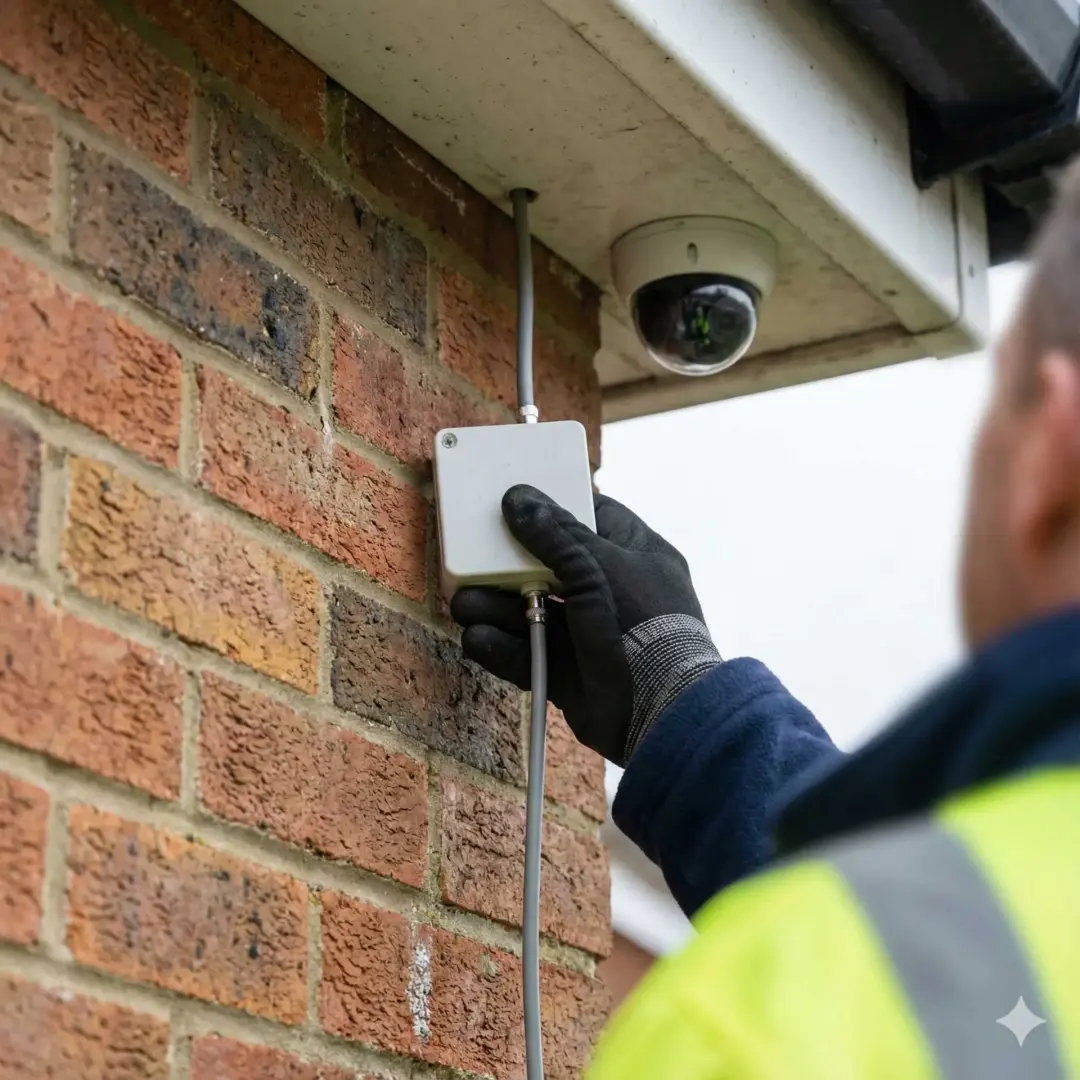
A Serage CCTV upgrade can sometimes keep the coaxial cables already running through a property. The best candidates are sound, accessible runs that support the cameras and recording quality you need. Ask the installer to check each camera position before choosing between a hybrid recorder and new network cabling.
Identify what you have at each camera
Start with the camera and recorder models, if you can read the labels without removing equipment. A coax connector alone does not identify which signal format the camera uses. Different cameras can use TVI, AHD, CVI or older composite analogue video while looking similar from the outside. Note where the camera is fitted and whether it receives power from a separate supply. Photograph the connections you can safely reach and pass that information to the surveyor.
Ask the installer to list each view you plan to keep. For example, a working camera covering a stockroom may be adequate, while a replacement at the entrance needs to capture more detail. Knowing which pictures matter and which equipment must change makes it easier to decide whether a mixed installation will work.
Serage lists eight universal coax camera inputs and up to four IP camera inputs for its SR5008D hybrid recorder. Its headline 4K recording specification is seven frames per second per channel. These are figures for one model, so check the combination and settings in your own quote. Serage SR5008D technical specifications.
Test the cable and the power before reusing either
Coax can last for years, but some ageing runs have moisture damage, poor joints or intermittent connections. Testing should include a clear picture from the proposed camera at its intended recording settings. A picture that appears briefly on a monitor is only a starting point. Ask the engineer to check the end connections, examine accessible cable sections and explain whether the existing route will be easy to service.
The power supply deserves its own check. A new camera may need more current when its night lighting comes on. An engineer should verify whether the supply and cabling will support the model at the far end of the run. If a proposed camera works indoors during a bench test, that still leaves a useful commissioning check at its actual position after dark.
Compare a hybrid recorder with a full IP upgrade
A compatible hybrid DVR can let you retain some coax views and add network cameras in places where a fresh data cable is practical. Count the coax and network inputs separately and ask whether the proposed resolution, frame rate and playback features work on the intended channels at the same time. If an IP camera has a particular detection feature you want, confirm the recorder can use or display it.
An all-IP system can make sense where most runs already need replacing or the building is being refurbished. Ask for comparable quotes against the same required views. Include the work to route and finish the cabling, the recorder, storage, power equipment and the cost of any future expansion you already expect. That way you can see whether keeping two good routes produces a useful saving.
Plan the changeover while the old recorder works
Make a list of any recorded clips you need to retain before the old recorder is taken out. Ask how the installer will handle a temporary loss of coverage during the work. For a shop, you might choose to change the entrance view outside trading hours. Keep the old footage separate unless the installer has confirmed a supported migration method.
At handover, check live view, a recent recording and playback on each retained run. Ask for a simple map that identifies which routes are old and which are new. For an upgrade in Doncaster, C Wilson CCTV can survey the existing system and talk you through where a Serage replacement will improve the picture or give you more room to expand.
Know what a retained camera will still be able to do
Keep a note of any legacy camera features you rely on, such as an audio feed or a motorised view. Ask the installer which of those functions will carry across to the replacement recorder. If one existing camera now needs a separate menu or can only be played back at a lower resolution, make sure that is understood at the quote stage. Put any important limitations against the appropriate camera on the handover sheet so the person reviewing footage knows what to expect.
Decide which cables are worth keeping
Ask for each existing run to be tested and matched to a camera. Have the installer set out what can be reused, what needs replacing and what you will be able to add later.