Why Outdoor CCTV Is Important for Home Security
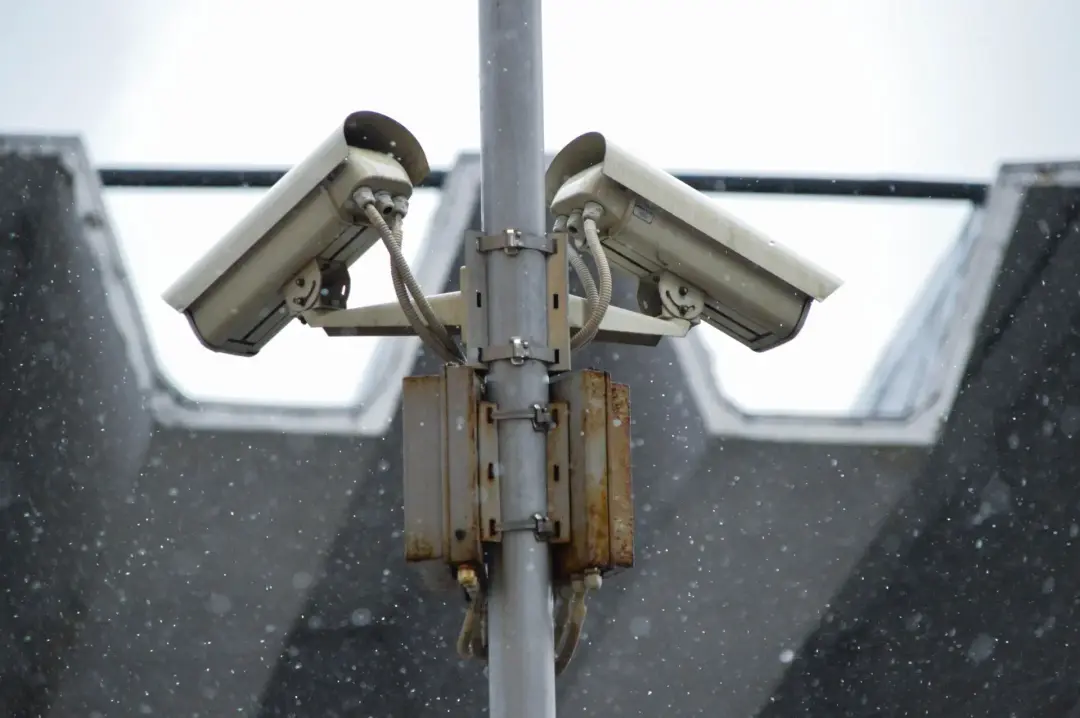
Outdoor CCTV can play an important part in protecting a home because it helps you see what is happening around the property. Cameras can cover entrances, paths, driveways, gardens and other areas that may be difficult to watch from inside. Their presence can also make a property appear less attractive to someone who is considering theft, damage or another unwanted activity.
A camera system can also help you understand what happened after an incident. If a parcel goes missing, a gate is damaged or someone enters the garden without permission, recorded footage may show when the event happened and who was involved. Clear recordings can provide useful evidence when speaking to the police, an insurer or another organisation.
Outdoor CCTV is also useful for everyday awareness. You may want to check who is at the door before opening it, confirm that a delivery has arrived or see whether a family member has returned home. Depending on the system you choose, you may be able to view your cameras from a mobile device while you are away from the property.
CCTV should form part of a wider approach to home security. Strong locks, suitable lighting, secure fences, alarms and careful habits all have a role. Cameras are most effective when they support these other measures. Choosing the right system means thinking about your property, the areas you want to protect and the way you want to use your recordings.
Assess Your Home’s Security Needs
Before buying outdoor cameras, look carefully at your property and identify the areas that could benefit from extra protection. Walk around the outside of your home and think about how someone could approach the building. Pay particular attention to front and back doors, side gates, ground-floor windows, garages, sheds, driveways and less visible parts of the garden.
It is also worth thinking about what you are trying to protect. Some homeowners mainly want to discourage people from entering the property. Others want clear footage of visitors, vehicles or deliveries. You may also want to protect valuable items kept in a garage or outbuilding. Your main goal will affect the type of camera, location and recording system you should consider.
The size and shape of the property will also influence your plans. A small terraced home may only need a small number of carefully placed cameras. A detached property with several entrances, a long drive or large garden may need wider coverage. Buildings, trees, walls and fences can block a camera's view, so you should consider these before choosing positions.
Think about how the system will be used each day as well. Decide whether you want continuous recording, recordings only when movement is detected or the ability to view live images remotely. Setting out your needs first can prevent you from buying unnecessary equipment. It also makes it easier to compare systems based on useful features rather than choosing simply because a product has a long list of functions.
Choose the Right Camera Type
Outdoor CCTV cameras are available in several shapes and designs, and each type can suit a different purpose. Some cameras have a fixed viewing direction and are designed to monitor one clear area, such as a gate or entrance. Others provide a wider field of view, which can be useful for open spaces such as gardens, yards and driveways.
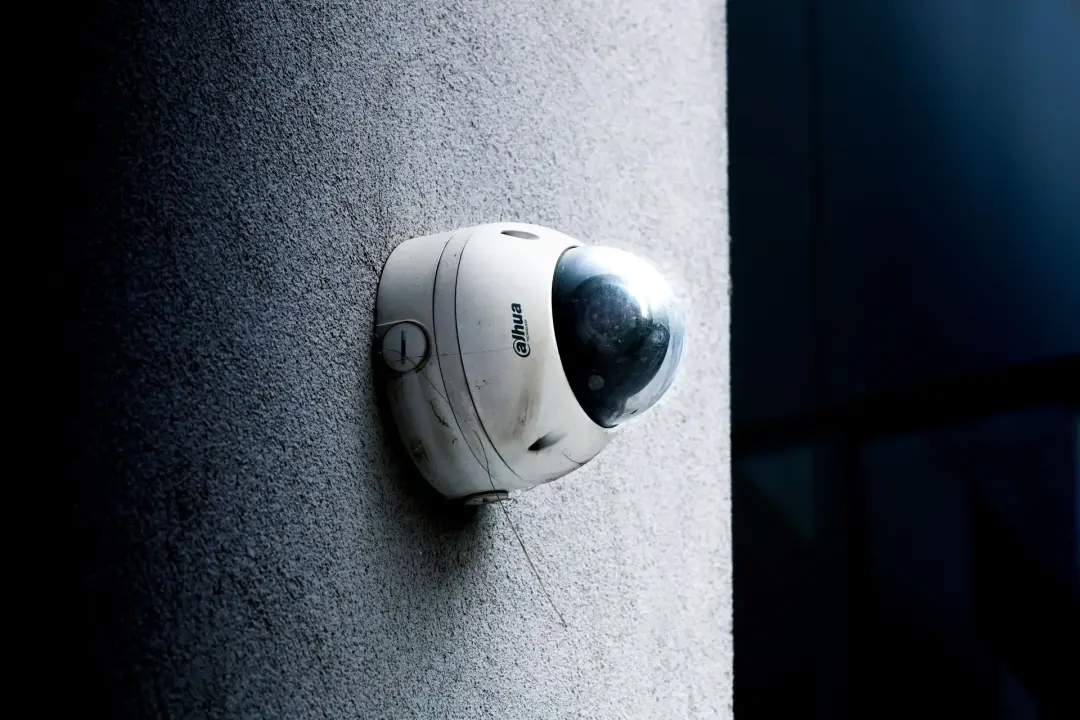
The physical design of the camera can also matter. Larger, visible cameras can make it obvious that a property is protected by CCTV. This may provide a useful warning to anyone considering unwanted behaviour. Smaller cameras can be less noticeable and may suit homes where appearance is important. The best choice depends on whether you want the camera to be clearly visible or less prominent.
Some camera systems allow the viewing direction or level of zoom to be adjusted. These may be useful where you need to monitor a large outdoor area or focus on different points at different times. However, more advanced movement and zoom features may cost more and can require additional setup. A fixed camera may be enough when the area that needs protection does not change.
Think about the purpose of each camera rather than assuming every position needs the same model. A camera covering the front door may need a closer view of faces, while a camera overlooking a wide garden may need broader coverage. Matching the camera type to the location can provide better results and may help you avoid paying for features that are not needed.
Consider Image Quality and Camera Resolution
Image quality is one of the most important points to consider because CCTV footage is only useful when you can see enough detail. A camera may show that someone entered your property, but poor-quality footage might not make their face, clothing or vehicle clear enough to identify. Good image detail is especially important around entrances, gates and driveways.
Camera resolution helps determine how much detail is captured. In general, a camera that records more detail can produce a clearer picture, particularly when you enlarge part of the recording. However, resolution should not be considered on its own. Lens quality, lighting, camera position and recording settings can also affect the final image you see.
Higher-quality recordings usually require more storage space. If several cameras are recording throughout the day, the amount of footage can grow quickly. Before choosing the highest available resolution, think about how long you want to keep recordings and how much storage your system provides. A balanced system should give you enough detail without creating unnecessary storage demands.
You should also consider the distance between the camera and the area you want to monitor. A camera covering a narrow entrance may be able to capture useful facial detail at close range. A camera covering a long driveway may need stronger image performance to show useful detail further away. Choosing the right combination of image quality, viewing angle and camera position is often more important than focusing on one number alone.
Check Night Vision Performance
Many security concerns can happen after dark, so good night-time performance should be a key part of choosing outdoor CCTV. A camera that performs well during the day may produce a much weaker image when light levels fall. Before buying, check how the camera is designed to record at night and whether its stated viewing distance suits your property.
Some cameras use built-in night viewing technology to capture images when there is little visible light. The distance this works effectively can vary. A camera may provide a clear view close to the house but struggle to show useful detail at the far end of a large drive. Compare the expected night viewing range with the actual distance you need to cover.
Outdoor lighting can also affect recordings. Security lights, porch lights and street lighting may improve visibility, but poorly placed lights can cause glare or dark areas. A camera pointing towards a very bright lamp may struggle to show a person standing nearby. It is therefore important to consider lighting and camera position together rather than treating them as separate parts of the system.
If night security is a major concern, review sample recordings where possible rather than relying only on product descriptions. Look for clear faces, balanced lighting and useful detail when people are moving. A suitable camera should provide a picture that helps you understand what is happening, not simply confirm that an object or person is somewhere in the image.
Look for Weather-Resistant Cameras
Outdoor CCTV equipment must be able to cope with changing weather throughout the year. Rain, wind, frost, dust and strong sunlight can all affect equipment that is not designed for outdoor use. A camera intended only for indoor spaces should not be installed outside simply because it is placed under a roof or sheltered area.
Look for cameras that are clearly designed and rated for outdoor installation. A suitable housing helps protect the internal parts from water and dust. The level of protection needed will depend on where the camera is installed. A camera mounted under a deep porch may face less direct rain than one fixed to an exposed wall, gate post or garage.
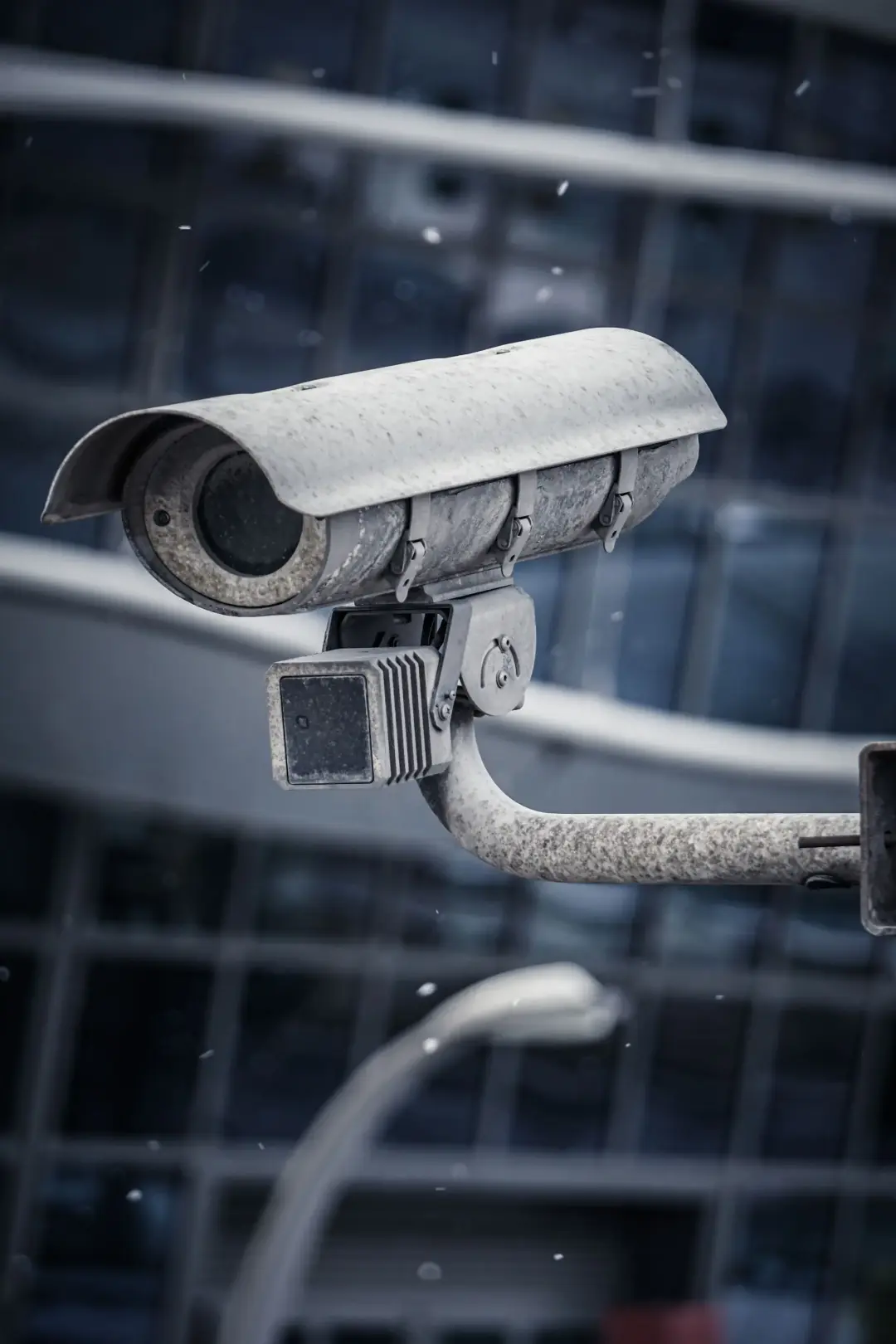
Temperature should also be considered. Outdoor cameras may need to work during both cold winter nights and warm summer days. Check the operating temperature information provided for the product and consider the usual conditions around your home. This can be particularly important for cameras placed in exposed locations where there is little protection from sunlight, frost or strong winds.
Weather resistance does not mean a camera can be installed anywhere without care. Cables, connectors and power supplies may also need protection from the elements. Water can sometimes reach equipment through cable routes or poorly sealed connections. Good installation, suitable mounting and regular checks are important if you want the system to remain reliable for several years.
Compare Wired and Wireless CCTV Systems
Wired and wireless CCTV systems each have advantages, so the right choice depends on your property and priorities. A wired system uses physical cables to connect key parts of the system. This can provide a stable connection and may be suitable when several cameras are expected to record for long periods without relying on the quality of a wireless connection.
The main challenge with wired systems is installation. Cables may need to pass through walls, roof spaces or other parts of the property. This can make installation more involved, particularly in a finished home where you want cables to remain hidden. However, once installed correctly, a wired system can provide a tidy and dependable long-term solution.
Wireless cameras may be easier to position because they send information without a data cable running all the way back to the recording equipment. This can reduce the amount of work required during installation. However, wireless performance depends on the strength and reliability of the connection. Thick walls, distance and interference from other equipment can affect performance.
It is also important to remember that wireless does not always mean completely cable-free. Some cameras still require a power connection, while battery-powered models need regular charging or battery replacement. When comparing systems, consider installation, connection reliability, power, maintenance and the number of cameras you expect to use. The easiest system to install is not always the easiest system to manage over several years.
Decide How Footage Will Be Stored
Before choosing a CCTV system, decide how you want recorded footage to be stored. Different systems may keep recordings on equipment inside the property, on removable storage within the camera or through an online storage service. Each method has different costs, storage limits and access requirements.
Local storage gives you direct control over the recordings and may allow several cameras to save footage to one central device. The amount of history available depends on the storage size, recording quality and number of cameras. Once the available space is full, many systems automatically replace older recordings with newer footage, so it is important to understand how long recordings are usually kept.
Online storage can allow footage to remain accessible even if recording equipment at the property is damaged or removed. It may also make remote access simpler. However, these services can involve ongoing charges, and their operation depends on a suitable internet connection. You should check what happens if the connection fails and whether cameras can continue recording locally during an interruption.
Think about how often you are likely to review footage and how long you may need to keep it. A homeowner who only needs several days of recordings will have different storage needs from someone who wants several weeks. Also check how easy it is to save an important clip before older footage is removed. Simple export and backup options can be very useful after an incident.
Consider Remote Viewing and Mobile Access
Remote viewing can make an outdoor CCTV system much more convenient because it allows you to check the property while you are elsewhere. Depending on the system, you may be able to view live camera images, review previous recordings or receive alerts through a mobile device. This can be useful when you are at work, travelling or away from home for several days.
Before choosing a system, check what features are available through its mobile access service. Some systems allow full control, while others provide only basic live viewing. You may want to check whether you can switch between cameras, enlarge an image, review recordings and save clips. The controls should be simple enough for everyone in the household who may need to use them.
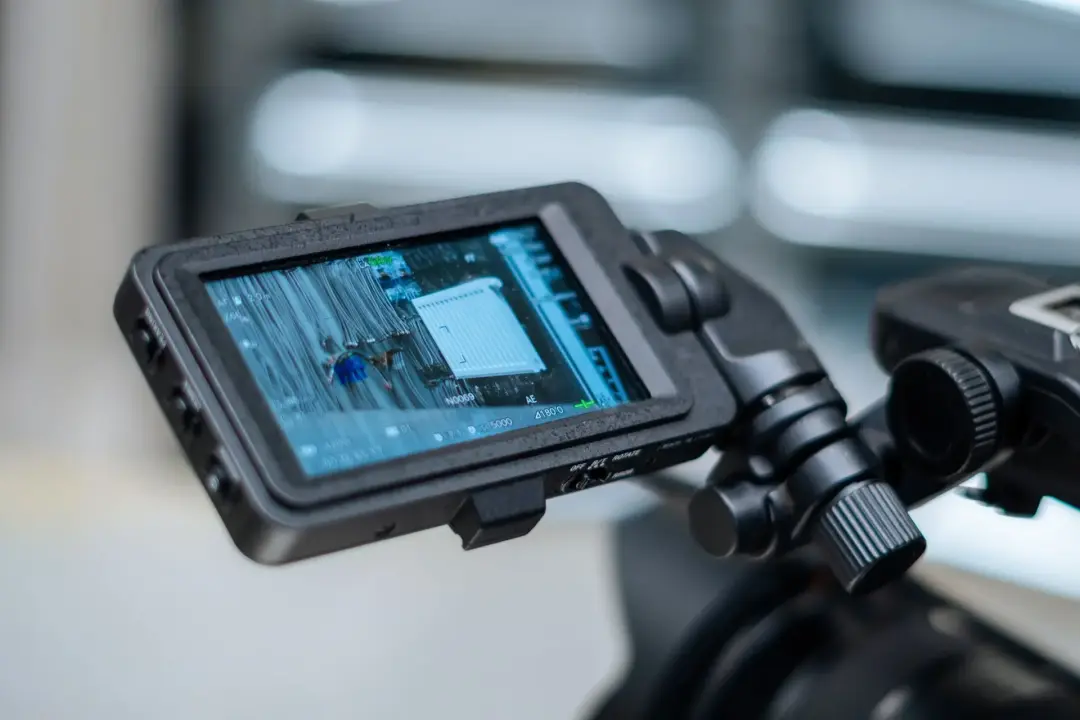
Security is important when CCTV can be accessed remotely. Use strong passwords and enable any additional account protection offered by the system. Avoid leaving the original default password in place. It is also sensible to keep the camera system and related applications updated because updates may correct security problems and improve the way the equipment works.
Remote viewing also depends on your internet connection. A weak connection can cause delays or reduced picture quality, particularly when several high-quality cameras are being viewed. Consider the strength of your home connection and mobile service before relying heavily on remote access. The system should still protect the property even if remote viewing is temporarily unavailable.
Choose the Best Camera Locations
Camera position has a major effect on the usefulness of a CCTV system. Even a high-quality camera may provide poor results if it points in the wrong direction or is placed too far from the area you want to monitor. Begin with important access points, including the front door, back door, side entrances, gates and garage.
Height needs careful thought. A camera should usually be high enough to reduce the risk of someone reaching and damaging it, but not so high that people are only seen from above. A very steep viewing angle can make facial details difficult to capture. The goal is to find a position that protects the camera while still providing a useful view.
Avoid placing cameras where trees, plants, walls, guttering or other objects may block the image. Remember that conditions can change during the year. A tree that causes little trouble in winter may block part of the view when leaves grow. Sunlight can also affect the image at different times of day, so consider where the sun will be in relation to the lens.
Check the view after installation and make adjustments where needed. Walk through the area at different distances and look at the recorded footage. Test the cameras during daylight and after dark. This practical check can reveal blind spots, poor angles or areas where more lighting is required. Small changes in position can often improve the usefulness of a camera significantly.
Choose the Best Camera Locations
Camera position has a major effect on the usefulness of a CCTV system. Even a high-quality camera may provide poor results if it points in the wrong direction or is placed too far from the area you want to monitor. Begin with important access points, including the front door, back door, side entrances, gates and garage.
Height needs careful thought. A camera should usually be high enough to reduce the risk of someone reaching and damaging it, but not so high that people are only seen from above. A very steep viewing angle can make facial details difficult to capture. The goal is to find a position that protects the camera while still providing a useful view.
Avoid placing cameras where trees, plants, walls, guttering or other objects may block the image. Remember that conditions can change during the year. A tree that causes little trouble in winter may block part of the view when leaves grow. Sunlight can also affect the image at different times of day, so consider where the sun will be in relation to the lens.
Check the view after installation and make adjustments where needed. Walk through the area at different distances and look at the recorded footage. Test the cameras during daylight and after dark. This practical check can reveal blind spots, poor angles or areas where more lighting is required. Small changes in position can often improve the usefulness of a camera significantly.
Think About Motion Detection and Alerts
Motion detection can help you focus on activity that may require attention instead of reviewing long periods where nothing happened. When movement is detected, the system may begin recording, send an alert or perform both actions. This can be useful around entrances, driveways and other places where unexpected movement may matter.
However, outdoor environments contain many sources of movement. Trees may move in the wind, animals may cross a garden and vehicles may pass close to the property. If the system reacts to every movement, you could receive too many alerts. Repeated unnecessary notifications can make it harder to notice an event that genuinely requires attention.
Look for systems that allow detection areas and sensitivity levels to be adjusted. For example, you may want a camera to watch a front path while ignoring movement on the pavement beyond your boundary. Some systems can also distinguish between different types of movement, which may help reduce unnecessary alerts. Check how these features work in real conditions rather than relying only on advertising claims.
It is worth spending time adjusting alerts after the system is installed. Review which events cause notifications and make small changes to improve accuracy. The best settings may differ between cameras because each location has different levels of movement. Effective alerts should give you useful information at the right time without turning everyday outdoor activity into a constant stream of warnings.
Check Privacy and Legal Requirements
Home CCTV should be used in a way that respects the privacy of other people. Position cameras carefully so that they focus mainly on your own property. A wide camera angle may sometimes capture neighbouring land, public paths or parts of the road. Where possible, adjust the view so that unnecessary areas are not recorded.
Think carefully about places where people would reasonably expect privacy. Cameras should not be positioned to look directly into neighbouring windows, gardens or other private areas. Some systems allow parts of the image to be blocked from recording, which may help where the camera cannot otherwise avoid viewing a nearby property.
There may also be responsibilities relating to the way recordings are collected, stored and shared. Requirements can depend on where you live and exactly what your cameras record. Because rules can change, homeowners should check current guidance from the relevant authority before installing or changing a system, particularly if cameras capture areas outside the property boundary.
Footage should be handled responsibly. Access should be limited to people who genuinely need it, and recordings should not be shared casually online or with other people. If an incident occurs, keep the relevant footage secure and provide it only where there is a proper reason. Good privacy practice helps ensure that your security system protects your home without creating unnecessary problems for neighbours or visitors.
Compare Professional and Self-Installation
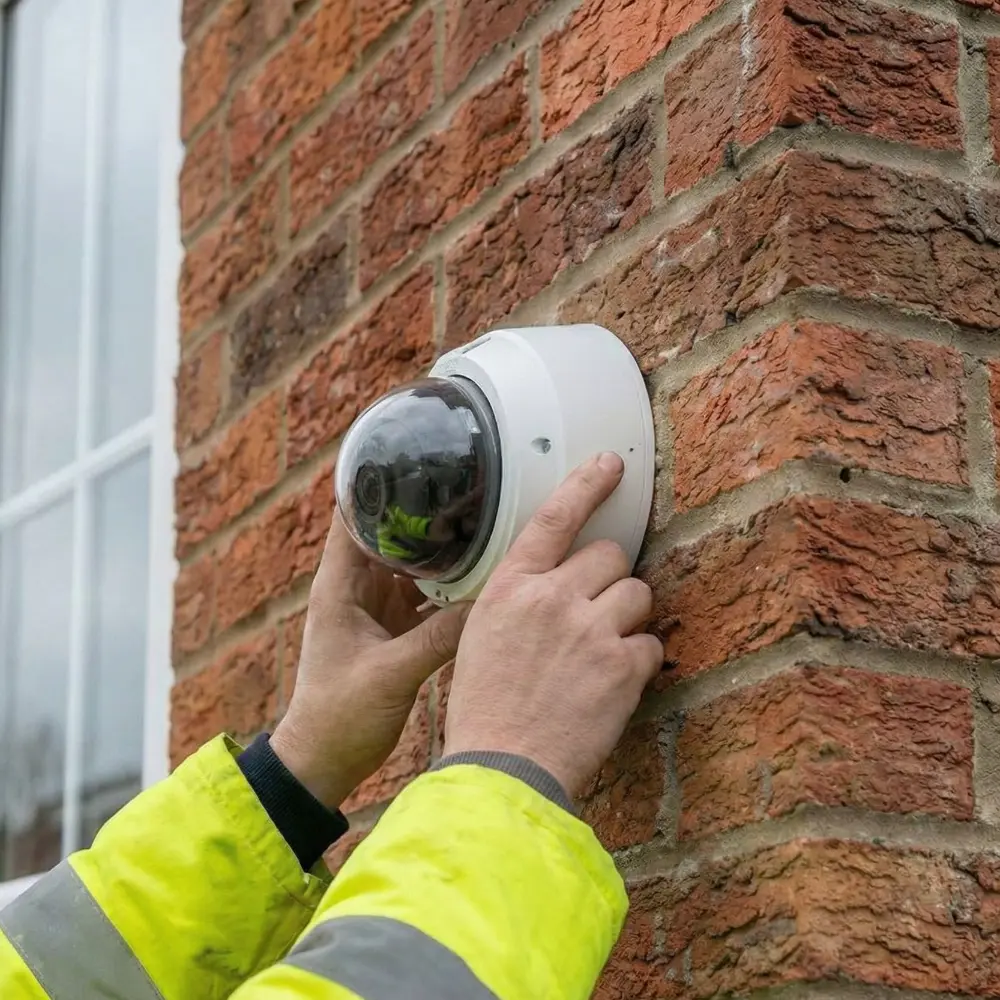
Some outdoor CCTV systems are designed for homeowners to install themselves, while others are better suited to professional installation. Self-installation may reduce initial costs and can work well for simple systems where cameras are easy to reach, power is available and no difficult cable routes are required.
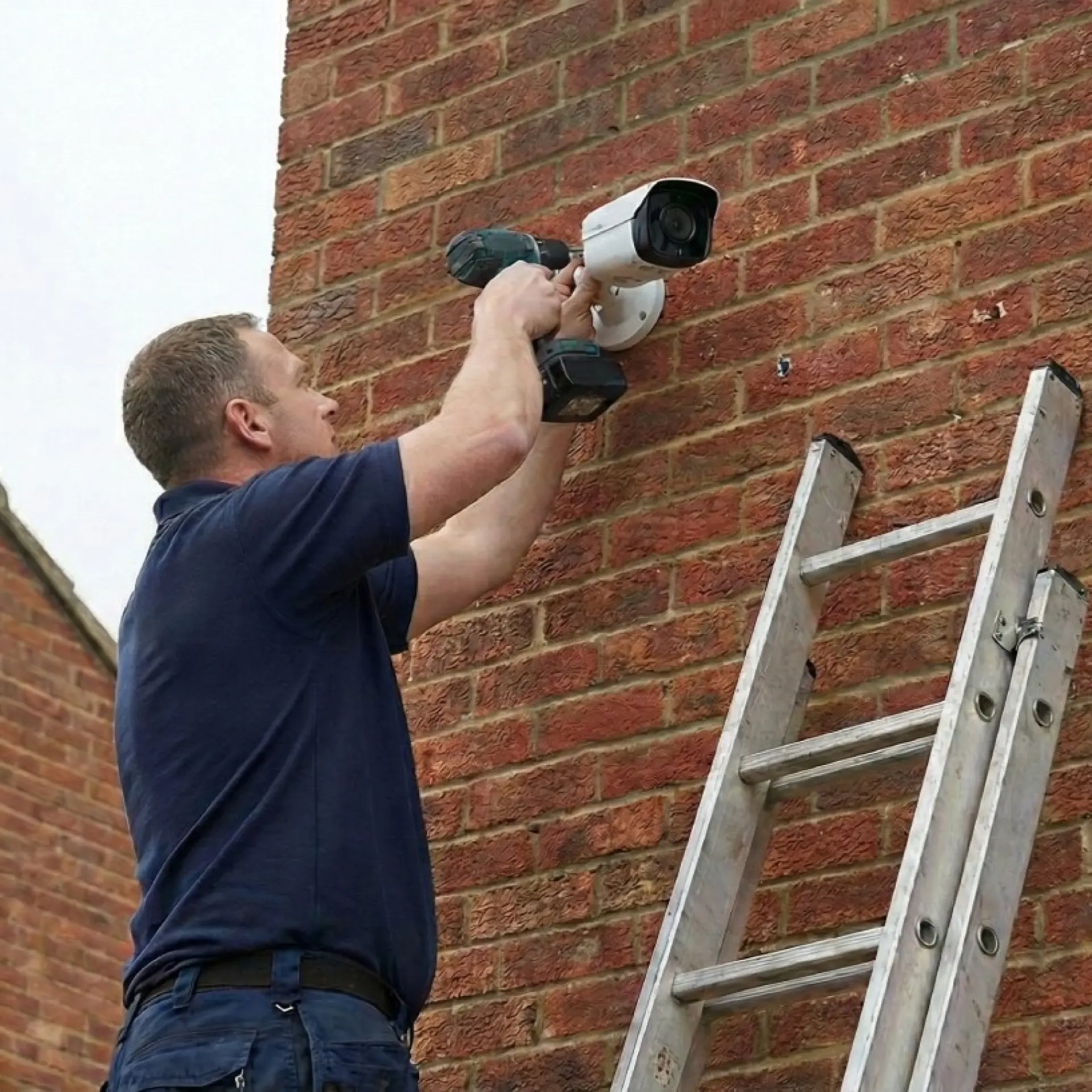
However, installing outdoor cameras can involve more than attaching equipment to a wall. You may need to drill through exterior surfaces, route cables safely, protect connections from water and position cameras at height. Poor installation can reduce image quality or allow equipment to fail earlier. Working at height can also create a safety risk if suitable equipment and experience are not available.
Professional installation can be valuable for larger properties, wired systems and difficult camera positions. An experienced installer can assess viewing angles, cable routes, lighting and recording requirements. They can also test the completed system and help make sure cameras are positioned to provide useful coverage without unnecessary blind spots.
When comparing the two options, consider more than the installation price. Think about the value of your time, the tools required and the risk of having to correct problems later. A simple battery-powered camera may be easy to fit yourself, while a multi-camera system with permanent wiring may justify professional help. The right choice depends on the size and complexity of the project.
Compare Professional and Self-Installation
Outdoor CCTV systems need occasional maintenance if they are to continue providing clear and reliable recordings. Cameras are exposed to rain, dust, insects, leaves and other outdoor conditions. Over time, dirt can collect on the lens or housing and reduce image quality, particularly at night when small marks may become more noticeable.
Check camera images regularly rather than waiting until an incident happens. Make sure every camera is pointing in the correct direction and that the picture is clear. Strong winds, building work or accidental contact can sometimes change a camera's position. Plants may also grow into the viewing area and create new blind spots.
Power supplies, cables and connections should also be inspected where possible. Look for signs of damage, loose fittings or water getting into exposed areas. Battery-powered cameras need their charge levels checked, while recording equipment should be reviewed to confirm that footage is still being saved correctly. Testing these points can prevent unnoticed failures.
Keep software and camera applications updated where updates are provided by the manufacturer. It is also worth testing remote access and alert functions from time to time. A simple maintenance routine every few months can identify small problems before they become serious. The aim is to make sure the system is ready to provide useful footage whenever it is needed.
Final Tips for Choosing Outdoor CCTV Cameras
Start by choosing cameras that match the actual risks around your home rather than buying equipment simply because it has the longest feature list. Clear priorities make comparison much easier. Decide where you need coverage, what level of detail is required, whether night recording is important and how you want footage to be stored and viewed.
Try to judge the complete system rather than one camera specification. Strong image quality is valuable, but so are reliable storage, suitable weather protection, secure remote access and correct positioning. A well-planned system using appropriate cameras can often provide better protection than a more expensive system that has been installed without considering viewing angles and practical needs.
Think about future requirements as well. You may want to add another camera, increase storage or extend coverage later. Check whether the system allows additional equipment to be added without replacing everything. Choosing a flexible system can make future changes easier and may reduce long-term costs.
Finally, test the system carefully after installation. Review daytime and night footage, walk through each camera's viewing area and check that alerts arrive as expected. Make adjustments while the system is new rather than assuming the first setup is perfect. A reliable outdoor CCTV system is the result of suitable equipment, thoughtful positioning, secure settings and regular maintenance working together.
Contact us today for outdoor CCTV installations and security camera maintenance in Doncaster, Stainforth, and Auckley. Our team is available to help install brand-new CCTV camera for your homes and businesses, alongside any alarms or access control systems.