Ajax MotionCam photo verification gives you a picture to review alongside an alarm event from a compatible detector. It can help you judge what was in view at the time. The value comes from choosing the right rooms, setting sensible access permissions and checking what a real alert looks like before handover.
Understand what arrives with an alarm
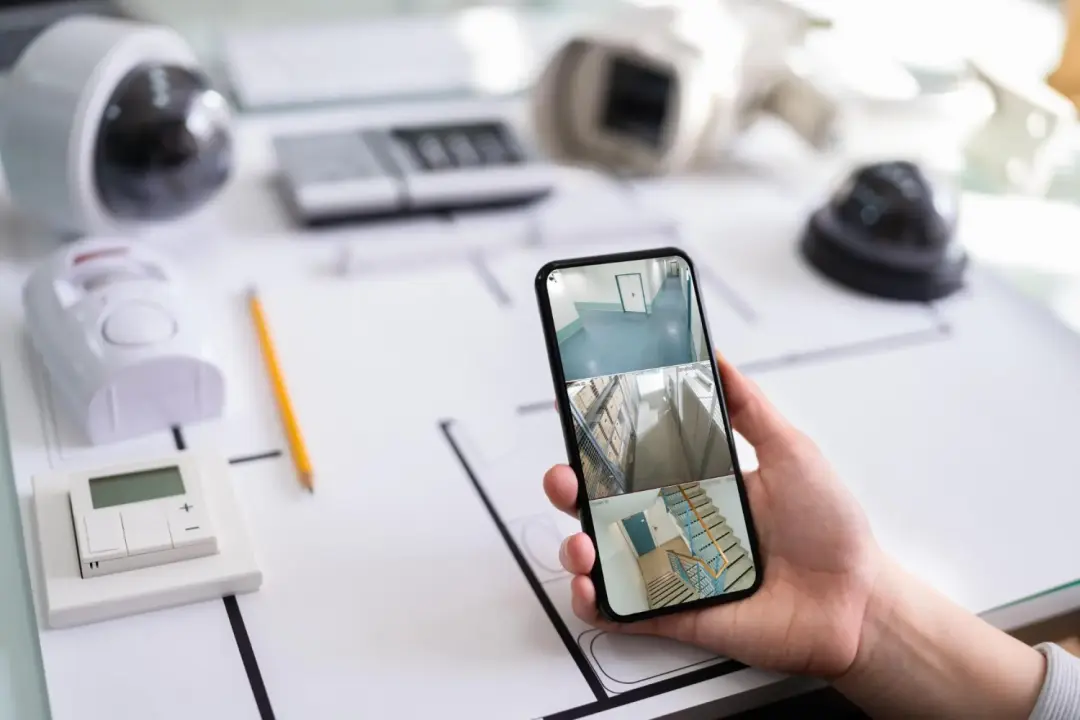
A MotionCam has a motion sensor and a small camera. On a supported setup, an alarm from the detector can prompt a short sequence of still images. A notification can appear before the image arrives because Ajax sends the alarm event and the photographs separately. The figures in the manufacturer’s manual vary with image resolution, connection path and signal conditions.
Start by deciding what the picture needs to show. At an office reception, you may want enough context to tell whether the scene contains a person or an object that was moved. A useful image gives you context for a decision. It only covers the scene the detector can see, so use the full alarm history and your agreed response plan rather than drawing a conclusion from one ambiguous photograph.
Ajax quotes delivery of one 320 × 240 image in up to nine seconds for a MotionCam (PhOD) connected directly to a hub under the stated signal and connection conditions. At 640 × 480 the quoted figure is up to 20 seconds. These are model-specific test figures. Ajax Systems MotionCam (PhOD) Jeweller manual.
Looking for CCTV or intruder alarm installation?
C Wilson CCTV installs and maintains CCTV, intruder alarms and access control systems for homes and businesses. Explore security services in these areas:
Decide where a photo will change your response
Pick locations where a picture is genuinely useful, such as a shared commercial entrance or the approach to a stock area. Show the installer how people normally walk through the space and where fittings, doors or tall stock might cut across the view. Ask to review a test image from the proposed position. If a room is reconfigured regularly, discuss how changes in the layout will be spotted at the next service.
Some rooms can be covered well with a conventional motion or opening detector. For rooms where privacy matters, ask whether you can get the information you need from a picture elsewhere in the building. Consider how you would explain the setup to everyone who routinely uses the space.
Ask about photo-on-alarm and photo-on-demand
Photo on alarm and photo on demand are different functions. The PhOD versions offer additional ways to request photographs, subject to model support and permissions. If you only need images attached to intrusion events, ask for that use to be specified. Make sure you know which people can see an alarm photograph and which, if anyone, can request one separately.
Agree who can change those settings. This is particularly important in a business where the manager, a keyholder and a contractor may have different responsibilities. Ask the installer to demonstrate what each relevant role can see. Where a monitoring centre is involved, confirm the service can receive your device’s images and explain how it uses them.
Test the picture and response together
Ask for a supervised test under normal conditions, with the monitoring provider informed if applicable. Check the time the alert appears, when the image opens and what it shows. Try the conditions that matter to you, including your usual lighting and the phone connection someone might use away from the property. An installer can check the signal and discuss the trade-off between a faster smaller image and a larger one.
Have the engineer leave a short explanation of what to do if an alert arrives without a photo or the image is unclear. For an Ajax installation in Doncaster, C Wilson CCTV can discuss whether photo verification will add useful context at the positions you want to protect and show you a test event before you take over the system.
Separate event photos from continuous recording
A short photo series answers a different question from a continuous CCTV recording. It can show part of a scene at the point an event occurred. If you need to track what happened before or afterwards, ask what other footage or records would be available. Make that distinction clear to each authorised user during the demonstration. It also helps you decide whether an ordinary detector, a detector with images or a separate camera is the most useful option for each area.
Choose photo verification where it will help
Agree which locations need an image, who can view it and what to do after an alert. Ask your installer to run a supervised test before you rely on it.